The brief
Most camera software either records everything or tries to recognize faces. Sentinel Vision does neither.
The challenge
Useful camera analytics usually means recording people and recognizing them. The aim here was the opposite: report simple, timestamped facts on the customer's own hardware, without identifying anyone.
Our role
- Product design
- Rule engine and tests
- Model export and runtime
- Browser demo and Windows apps
- Product site and documentation
What we built
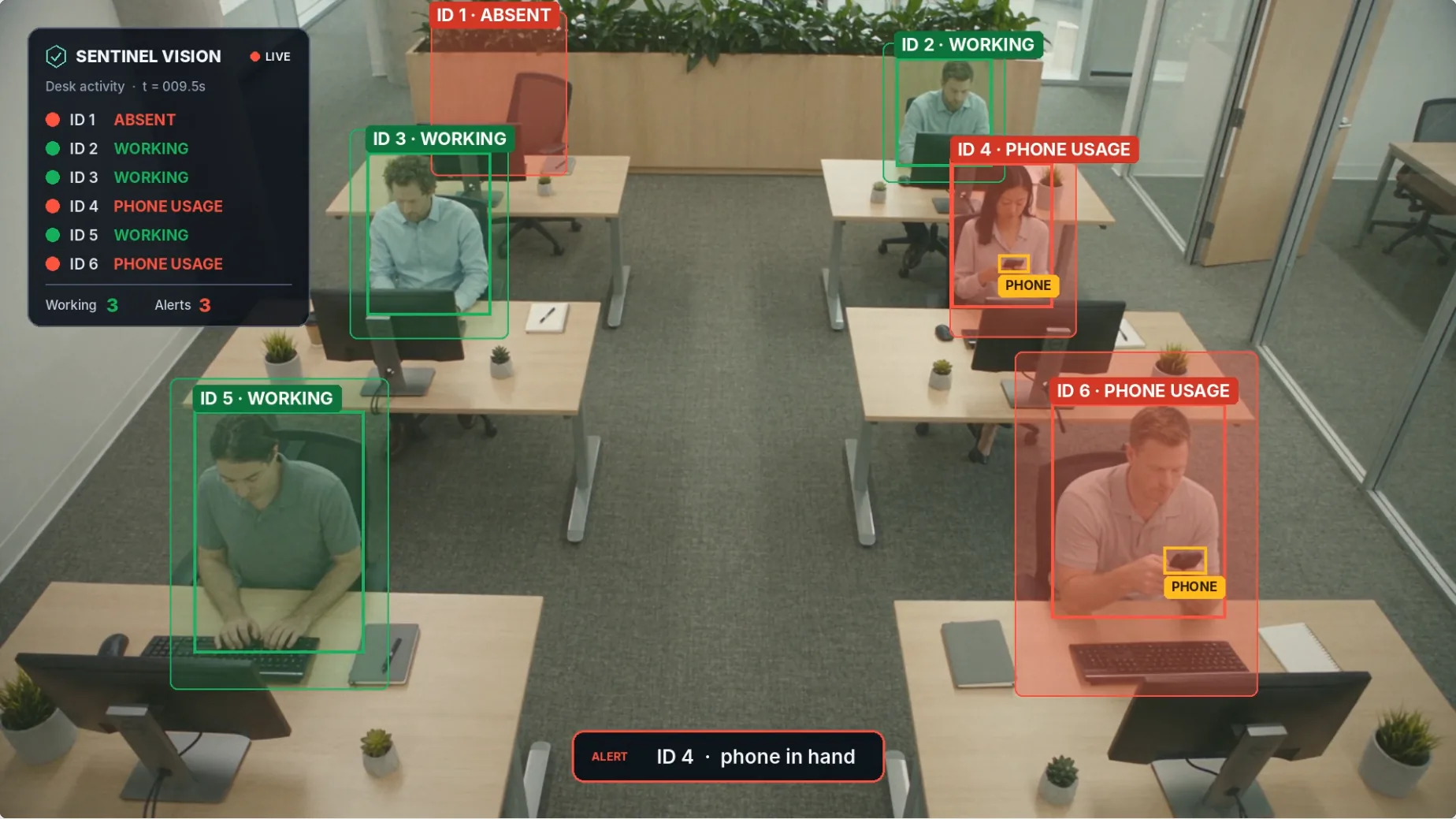
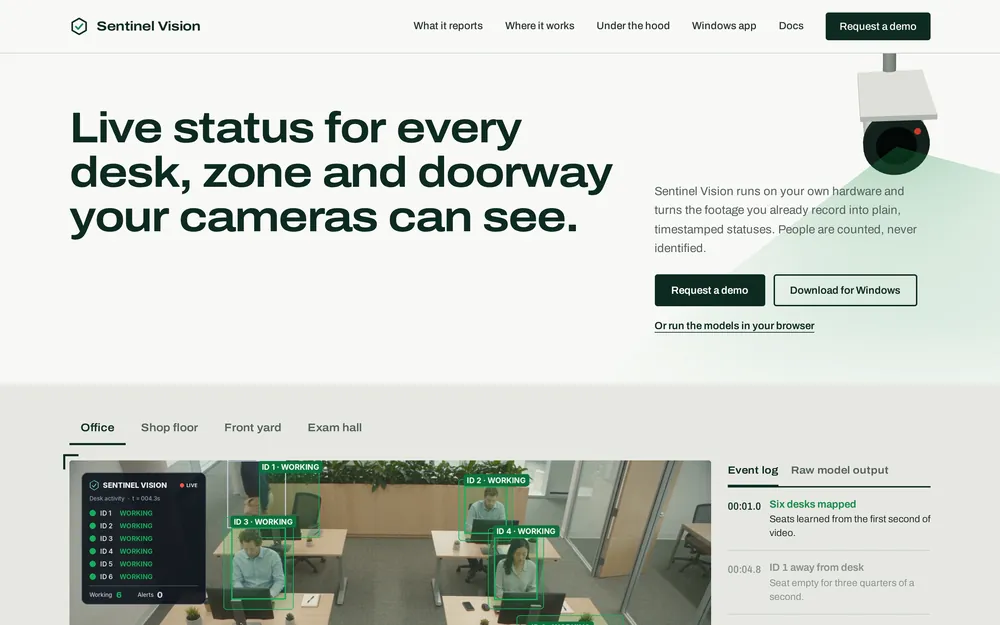
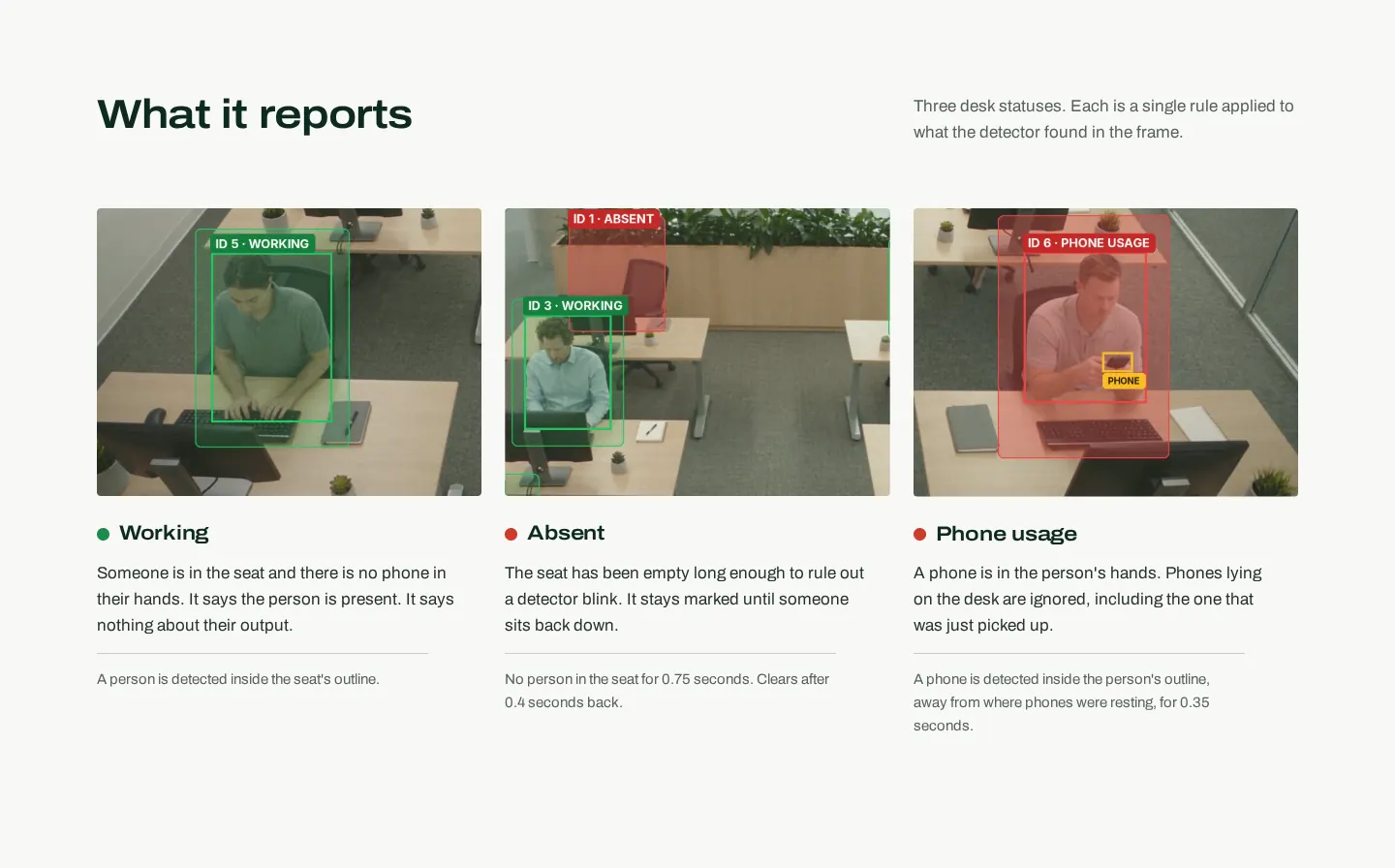
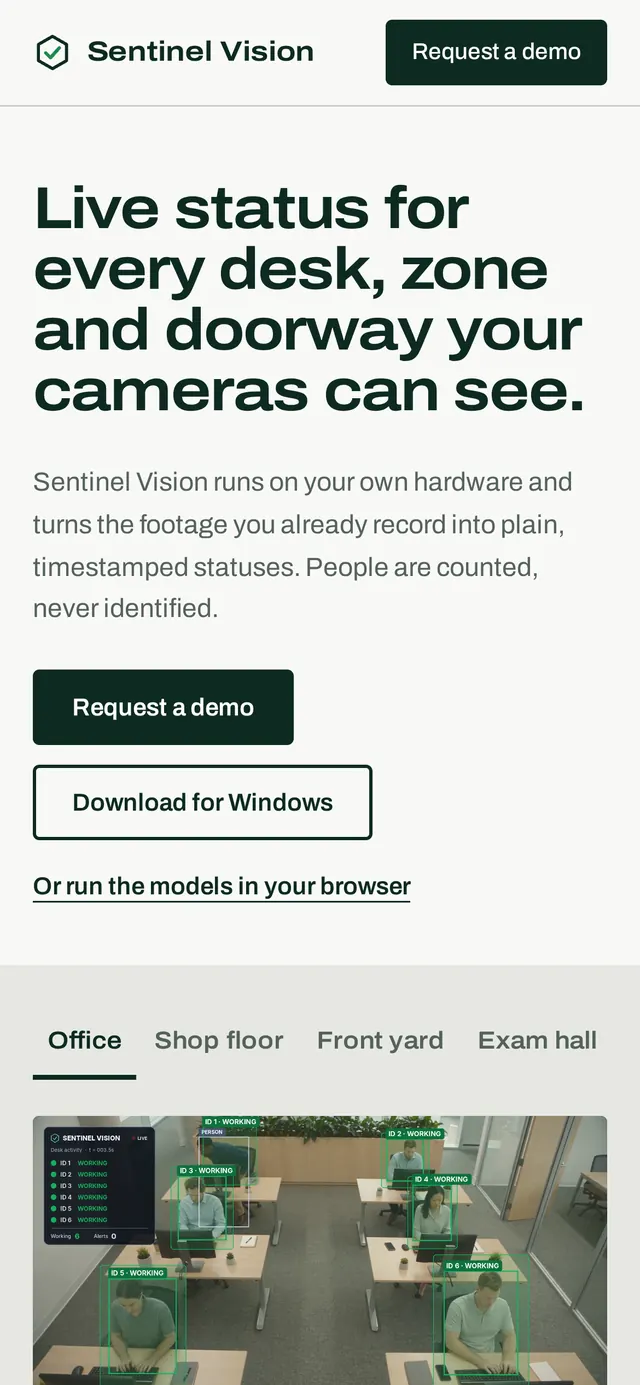
- Four scenes. Office desks, a shop floor, a front yard and an exam hall, each with its own rules: desk presence, zone dwell and occupancy, door alerts, head-turn flags.
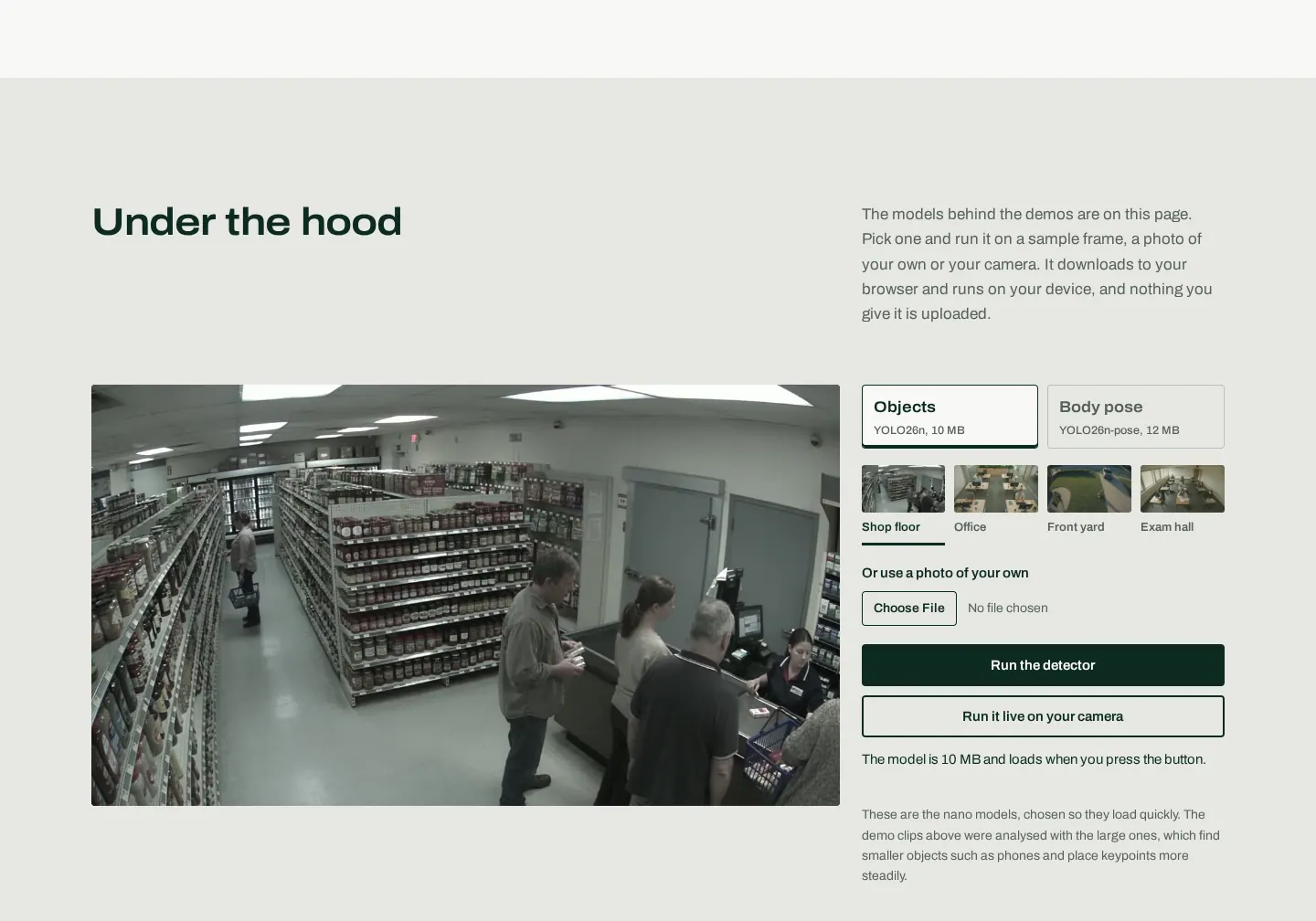
- Models that run anywhere. YOLO26 detection and pose models exported to ONNX, running in the browser on WebAssembly or as Windows apps.
- Measured in the open. The published demo run analysed 964 frames and kept 7,068 detections and 41,801 body keypoints. The raw output for every clip can be downloaded and checked.
- Counts, never identities. The system counts people and watches zones. It does not recognize or store faces.
- Tested rules. The rule engine ships with 41 tests and a release pipeline.
Where it stands
In development. The published demo run analysed 964 frames and kept 7,068 detections, and the raw output for every clip can be downloaded.
Figures from the Sentinel Vision demo run and documentation, November 2026.
Credits
A DarkForge studio product, in development. The detection and pose models are Ultralytics YOLO26; the rules, apps and site are ours. Demo scenes are simulated.